Welcome to the Persona 3 Dual team! This guide will get you set up and oriented regardless of your role.
Team Application & Approval
Section titled “Team Application & Approval”You need to apply & be approved to officially join the team. See how to apply here
Team Rules & Workflow
Section titled “Team Rules & Workflow”All team members need to read the team rules & workflow document.
Credits
Section titled “Credits”All team members need to add themselves to the credits through the Google Form, even if you have not contributed yet. Make sure you only submit one form, & that you keep updating the same form if you need to change any information. You can include the specific work that you have done, but that will only be seen internally.
Note: We treat all contributors equally
Join the GitHub & Google Drive
Section titled “Join the GitHub & Google Drive”We use GitHub to track tasks and coordinate across all teams. Everyone on the project needs to join the GitHub. We use Google Drive to save large files and other assorted documents. The Team Google Drive is optional.
Steps:
- Apply for the team & ensure you've put your GitHub (& optionally your Google Email address) in the application form
Once accepted into the team, you'll have access to the GitHub Organization, Project Board, and editing access to the Team Google Drive
Using the Project Board
Section titled “Using the Project Board”The project board is how we track progress across all teams.
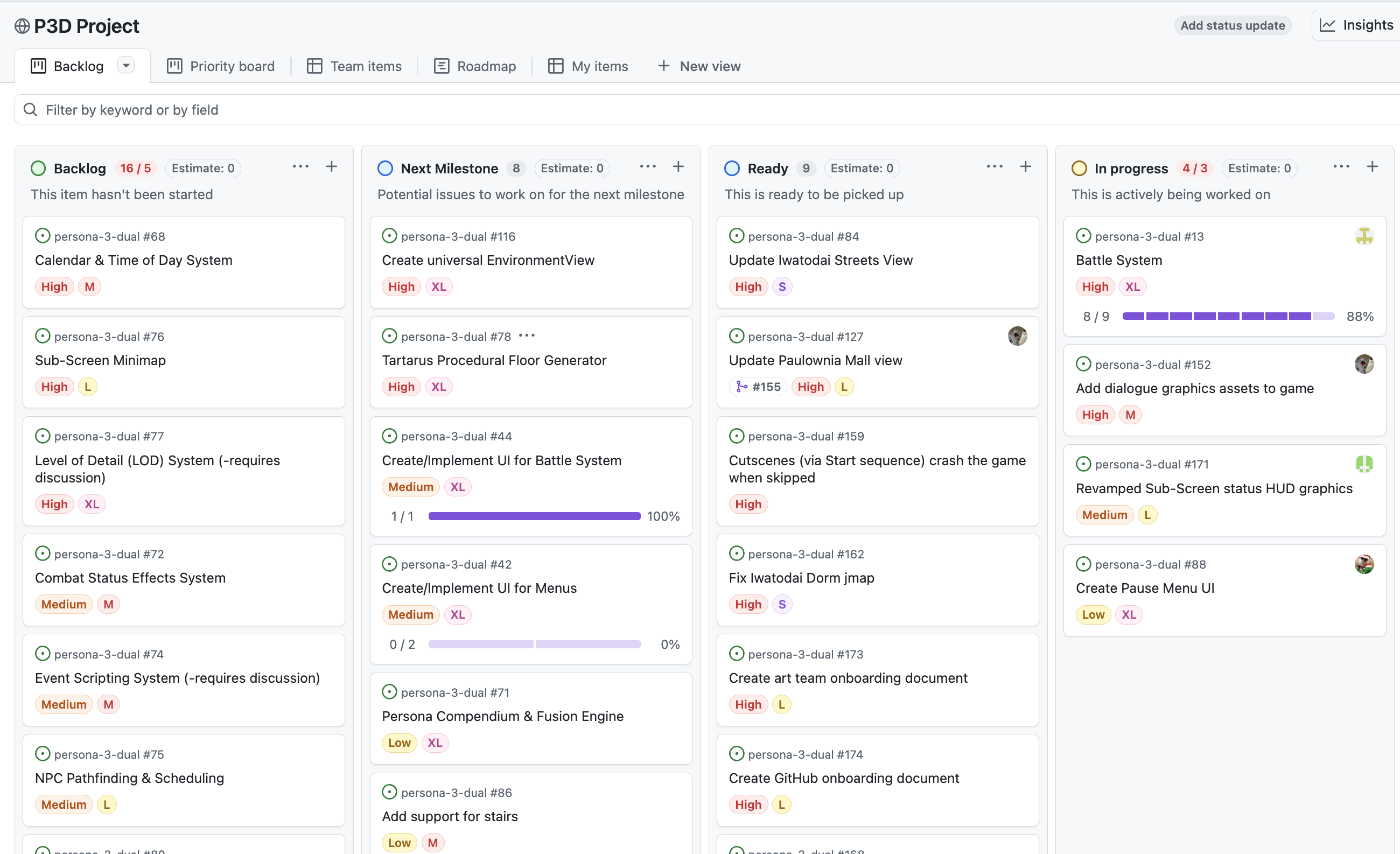
Columns:
| Column | Meaning |
|---|---|
| New | New issue, needs to be reviewed & approved by team leads |
| Backlog | Not yet started, no current priority |
| Next Milestone | Targeted for the upcoming milestone |
| Ready | Current milestone, ready to be picked up |
| In Progress | Actively being worked on |
| In Review | Submitted, awaiting review |
| Done | Completed |
| Suspended/Blocked | Paused, not actively exploring at the moment |
Guidelines: If you are working on a task (which must have an associated GitHub issue), you must:
- Drag your issue to In Progress when you start, and Done when finished.
- Assign yourself to any issue you're working on.
- Comment regularly on your issue to keep the team updated on progress.
- No comment = we don't know whats going on, and the task will be unassigned from you
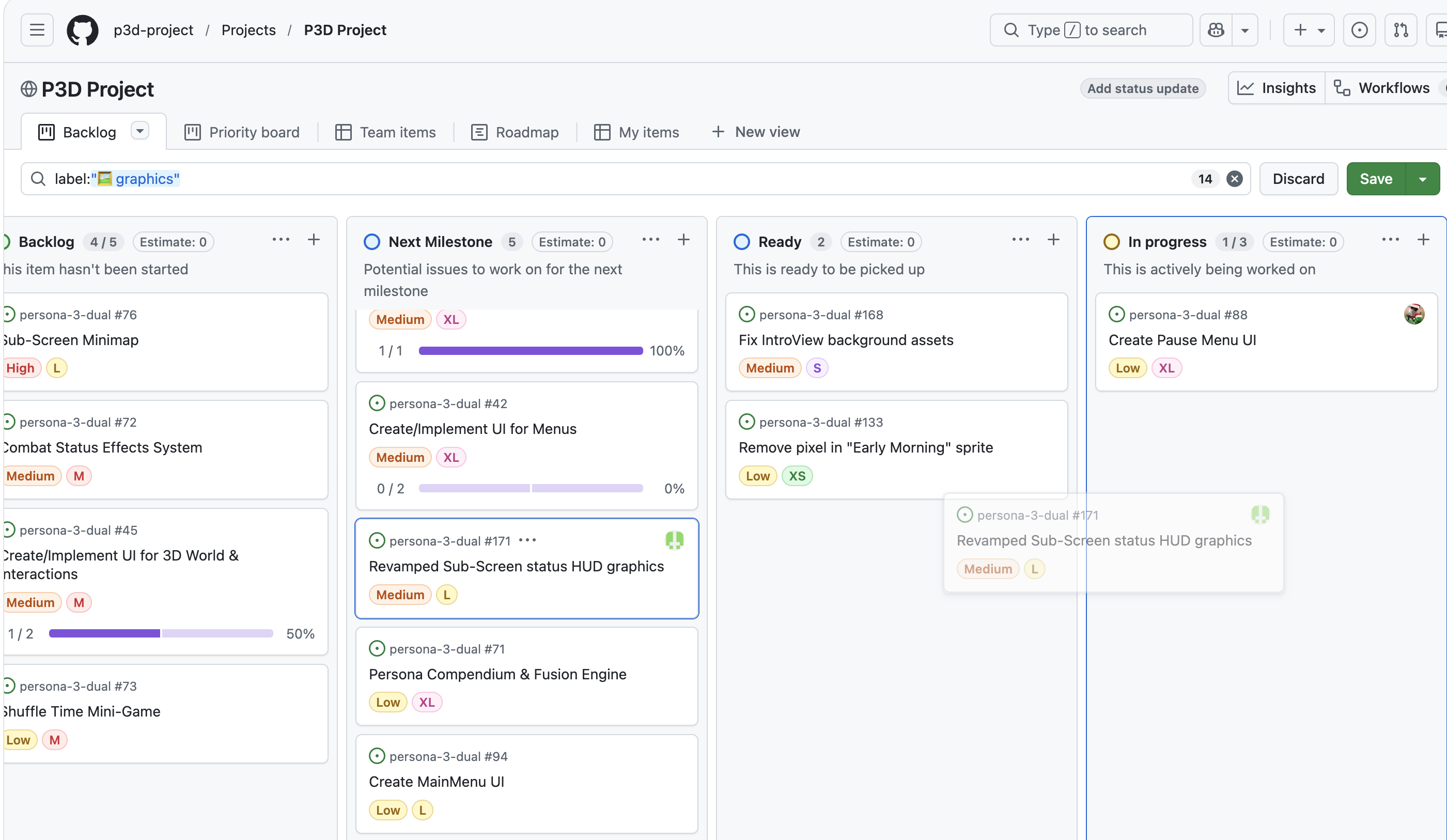
- You can filter by label (e.g.
graphics,bug,development,polish) or milestone.
Creating a New Issue
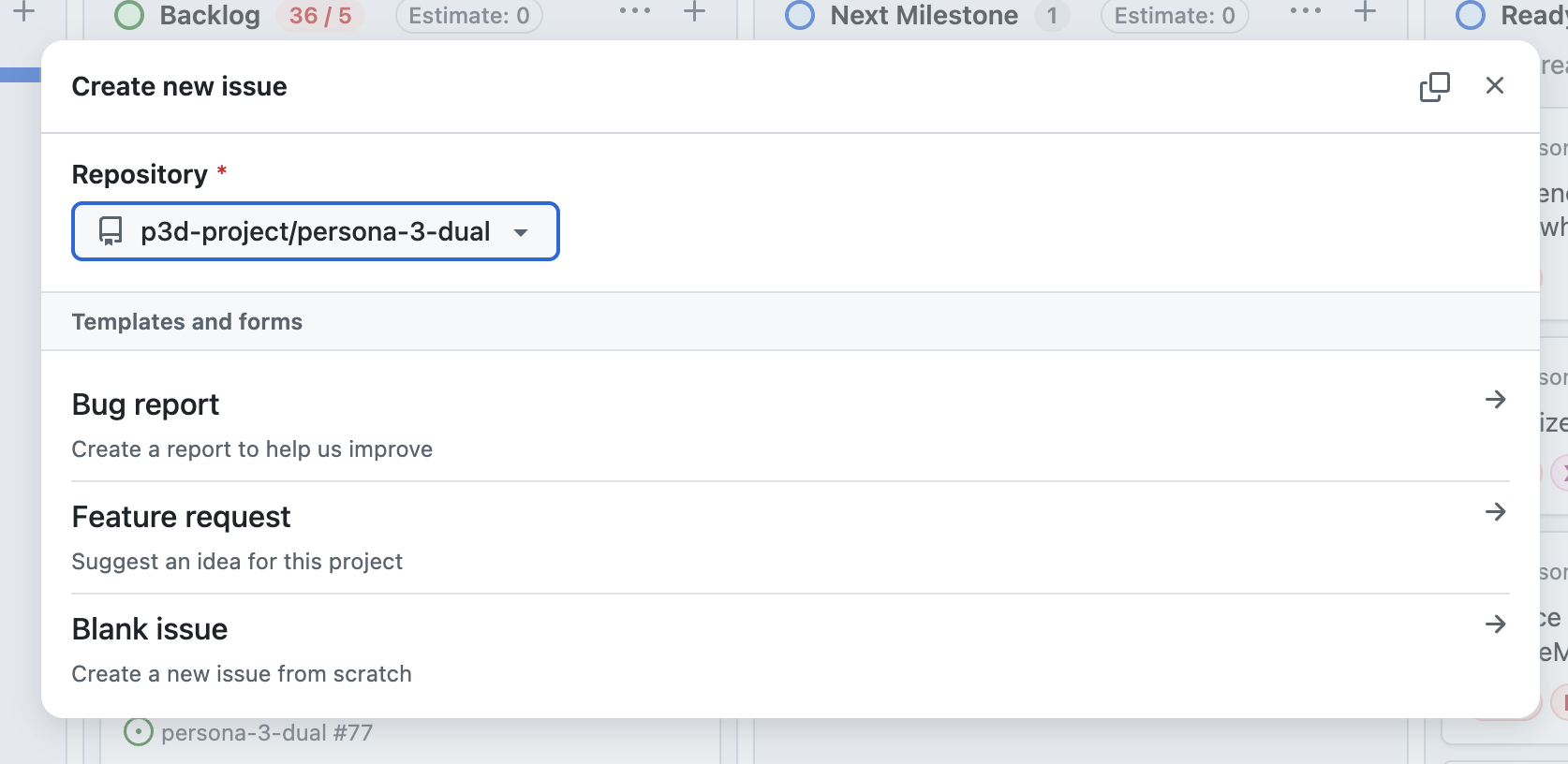
Section titled “Creating a New Issue”Want to add a new issue? Please use the Bug report or Feature request templates & add it to the New column on the project board. Once the associated team lead sees the issue & agrees, they will move it out of New.
- Ensure that you select the correct repo. Don't know what repo to select? Select the (default)
p3d-project/persona-3-dualrepo. - We put new issues under New for a few reasons. It alerts the team leads of new issues; We can ensure the quality of the issue; We can ensure that there isn't a duplicate issue.
Team specific onboardings
Section titled “Team specific onboardings”Make sure to also read the onboarding for your specific team.
- Game Dev Team Onboarding
- Web Dev Team Onboarding
- Graphics Team Onboarding
- UX/UI Team Onboarding
- 3D Team Onboarding
- Music Team Onboarding
- Video Team Onboarding
Questions? Reach out on Discord.